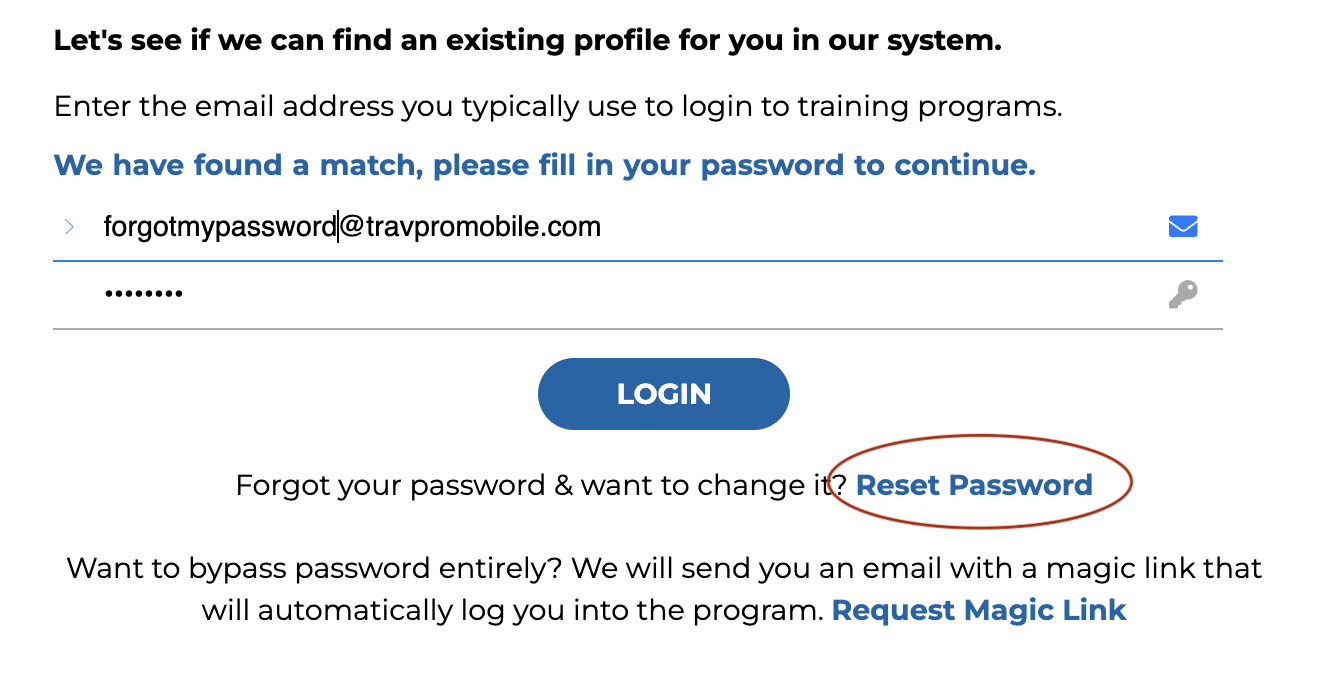

If you have forgotten your password, enter your username in the login field. Then, click on the reset password button below the login field. You will receive an email with instructions on how to reset your password. If you do not receive the email, please check your spam folder, or reach out to us for more support.
Example: