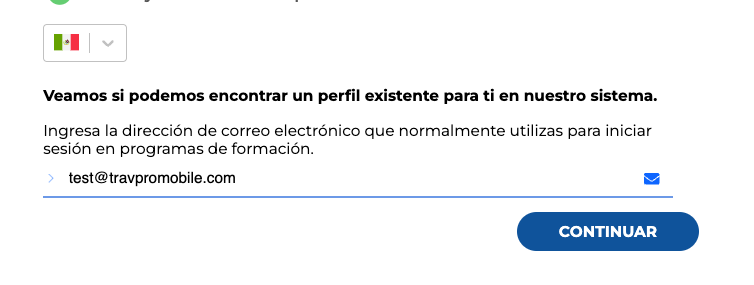
If multiple languages or markets are available on a program, you can toggle between those at the login screen.
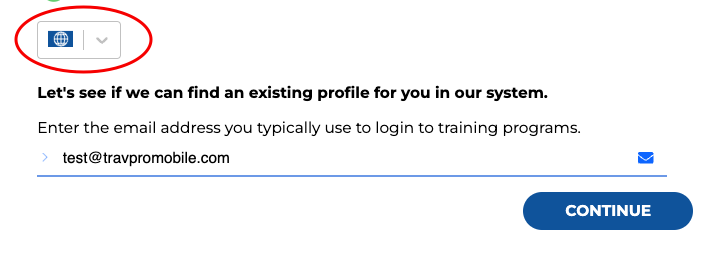
Select the dropdown to click on your preferred country or language.
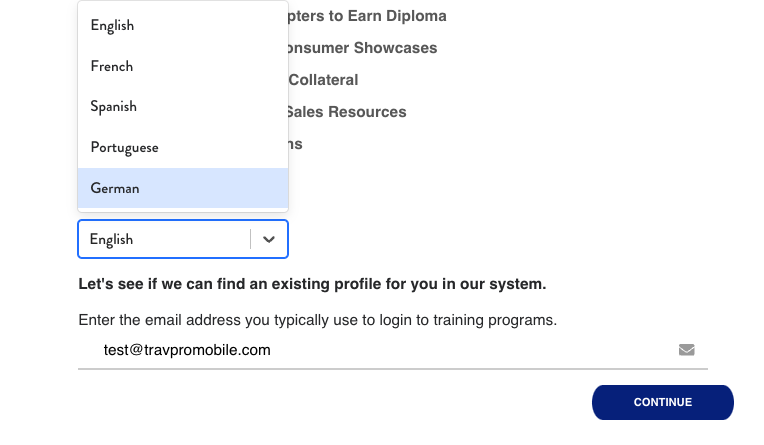
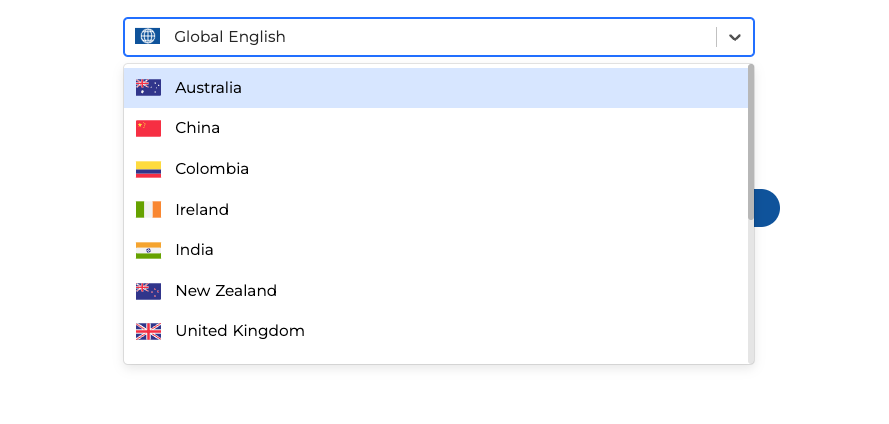
This will edit the language on the platform.
What are you looking for?
Get help straight from our team...
Switching the Market or Language on a Platform
Switching the Market or Language
If multiple languages are available on a program, you can toggle between those at the login screen.
Last updated on 06 Aug, 2024
If multiple languages or markets are available on a program, you can toggle between those at the login screen.
Select the dropdown to click on your preferred country or language.
This will edit the language on the platform.